“When I create an AB line and engage auto-steer, the tractor veers off to the side of the line with the steering wheel turning sharply/abruptly.”
I would like to use only the straight-line guidance feature using AB lines. I was advised to set ‘Headland/U-Turn = OFF’ and ‘Snap/Tramline = OFF’, but I cannot find these settings in the menu anywhere.
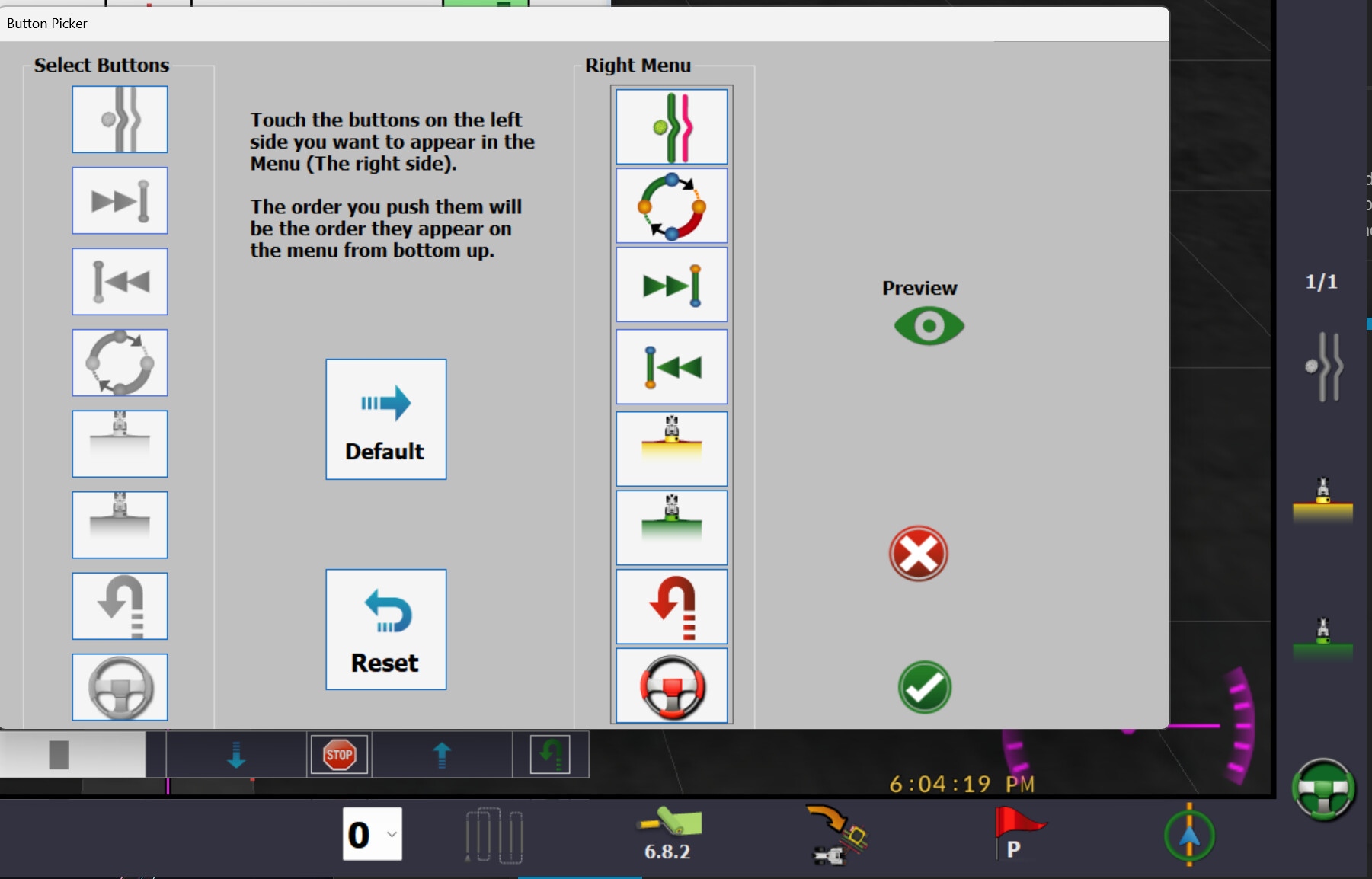
Also, when I go to the ‘Right Menu’ settings and try to add the U-Turn icon to the screen via ‘Select Buttons’, it doesn’t work. Even when I click the ‘Preview’ button, the changes aren’t reflected. The only buttons that are successfully applied and visible are: AutoSteerOn, ContourOn, ManualOff, and SectionMasterOff.
What could be causing this problem? Alternatively, could you please guide me on how to set up the system if I only want to create an AB line and use the straight-line auto-steer function?