Hi World,
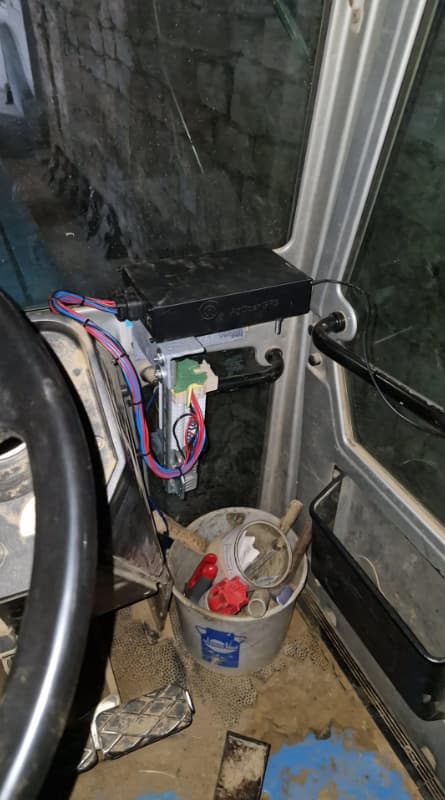
Did made an Standard Board V4.5, Phidget motor, Land rover WAS sensor, single ardusimple GNSS antenna, BNO085 imu.
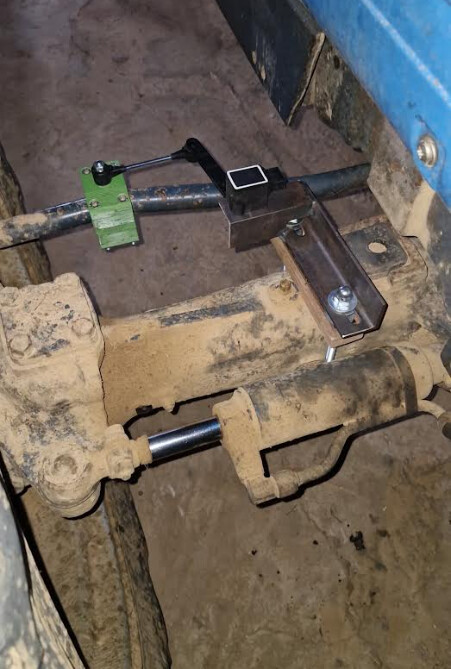
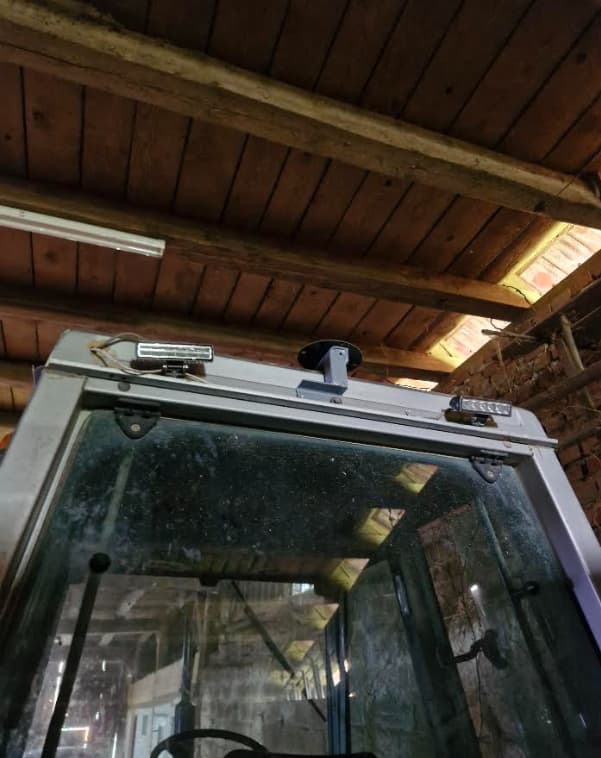
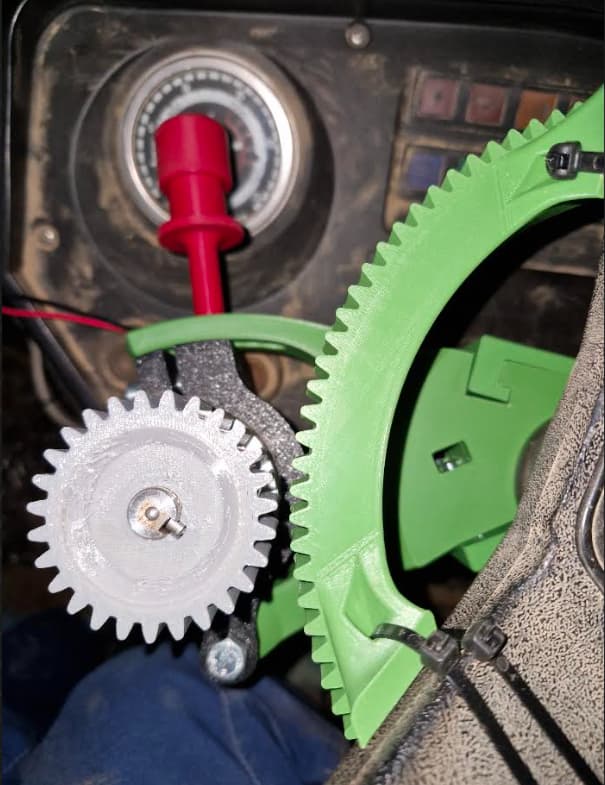
The board is mounted inside the cabin on the right, Y+ Axis configured for the IMU, the antenna is centered with the tractor width and just a bit off in the back with the pivot / axle point.
WAS 0° is good, tractor driving straight while keeping the wheel 0° but I have to find a way to set/calibrate/measure accurately the angle at 45° for example, for the moment I configured it from what I guess it actually is.
Roll was done on a concrete slab but have to find one thats completely level, shouldn’t be far off tho.
When experimenting tractor driving in the field I had to revert the IMU / GPS fusion % (so 40 - 60 instead of 60 - 40) for the tractor to pass on the same line from each direction.
Did set a straigth guideline, stopped, set a reference.
Coming in the same direction I had a gap of 0.5cm.
Coming in the reverse direction I had 8 & 12cm gap. Those error/offset margin are enough for me.
Then the next step was testing it at work, after it rained nicely I did a pass of covercrop / disks on wheat fields.
The tool has an offset of 10cm on the right.
The tool is dragging the tractor on the right side a bit.
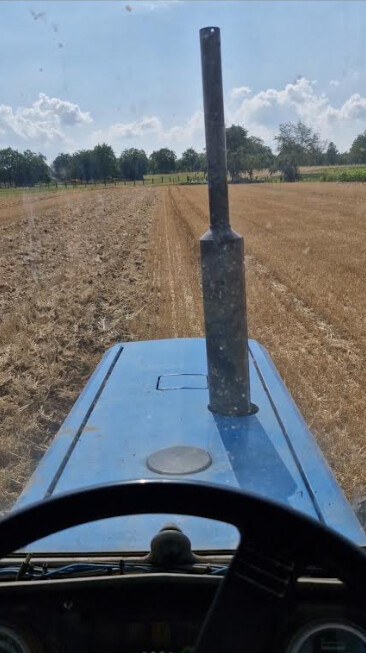
The worked area seems straight tho but the tractor stay between 40 to 60 cm offset to the guideline (showed on the software). The speed does impact the offset, with more speed it would go more away from the guideline.
So the software does know it is off but don’t steer or compensate enough to be on the line.
U-Turn is working too, with 7 raw skip as the tool width is small. Only doing 1 or 2 zigzag at the beginning when it take the guideline, I believe it could be due to the wheel angle not being the real one.
All lines that where took in the same direction did cover themself correctly but at the jonction of the “up” & “down” row it leaved a ~1m gap which concord with the 40 to 60cm error on the software.
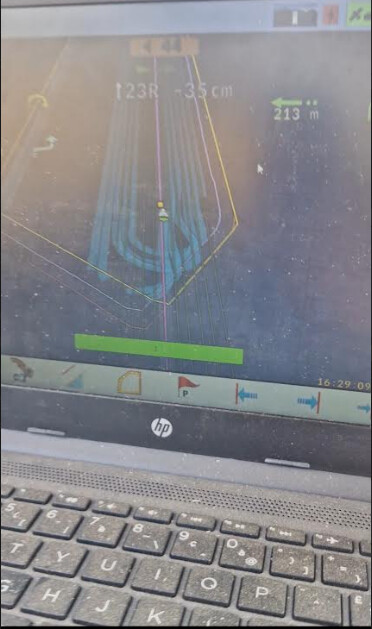
My question is, why can’t it compensate more to go back on the line ? Is it the PID ?
I can guess the combination off approximative WAS angle & roll that may not be 100% level does also impact it a bit.
Would appreciate any insight from experimented users.
Have a nice day,
Thomas.