I am looking to eliminate completely the dependence on OptiSurface ($1000 software) by working out a hauling algorithm. For that I need lots of datasets. If anyone is willing to help with this by sending me their raw survey data then I would greatly appreciate it! The more data I can get the better the chance I have of solving this part of the puzzle!
I have five fields of my own. If I can get another 15 fields then I think that would really get me started on this.
Just to clarify my last post - I will add surveying and plane generation to AgGrade, so OptiSurface won’t be needed to use it. But what I currently can’t add is the haul path calculations. These are not required to move soil but take out a lot of the guesswork of which direction to move it in.
Even if you have OptiSurface, getting the haul arrows out of the software is a massive pain because it requires zooming in, exporting a georeferenced image, zoom out, move over, zoom in, again and again, then manually removing the legend in an image editing program. I don’t think they ever intended for them to be exported, which is weird.
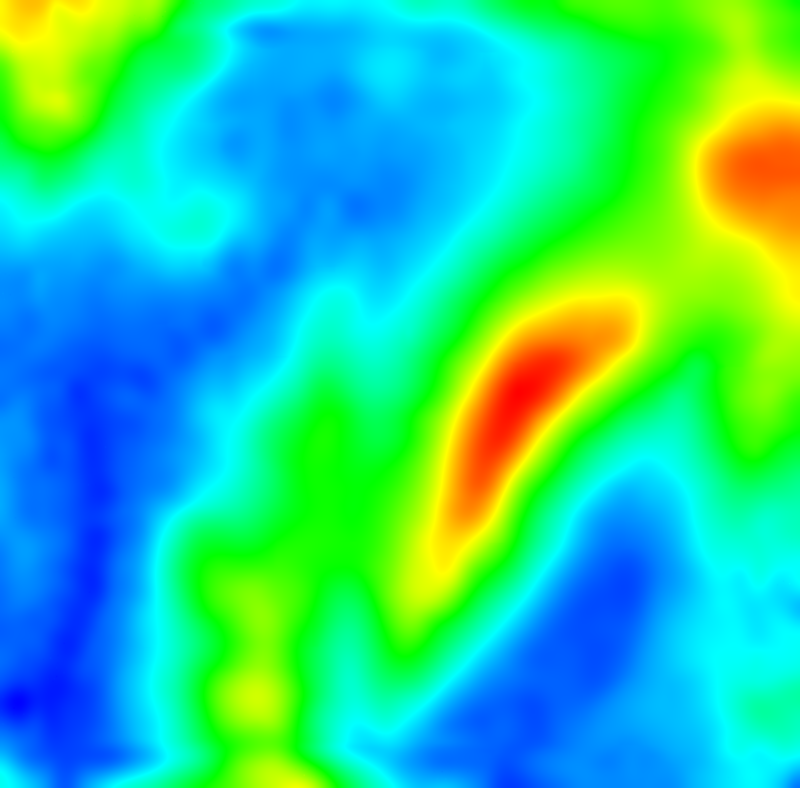
I need to replicate the interpolation of survey points that happens in Optisurface. Turns out that it is a bit of a pain when the person who did the survey on my field allowed gaps bigger than 50ft between a lot of the points.
To get the output the code has to interpolate, smooth, warp back to the survey points and smooth again. The result is all heights in this output at the survey point locations are 1cm or less difference from the original survey point heights. I haven’t checked to see if Optisurface gets that accuracy.
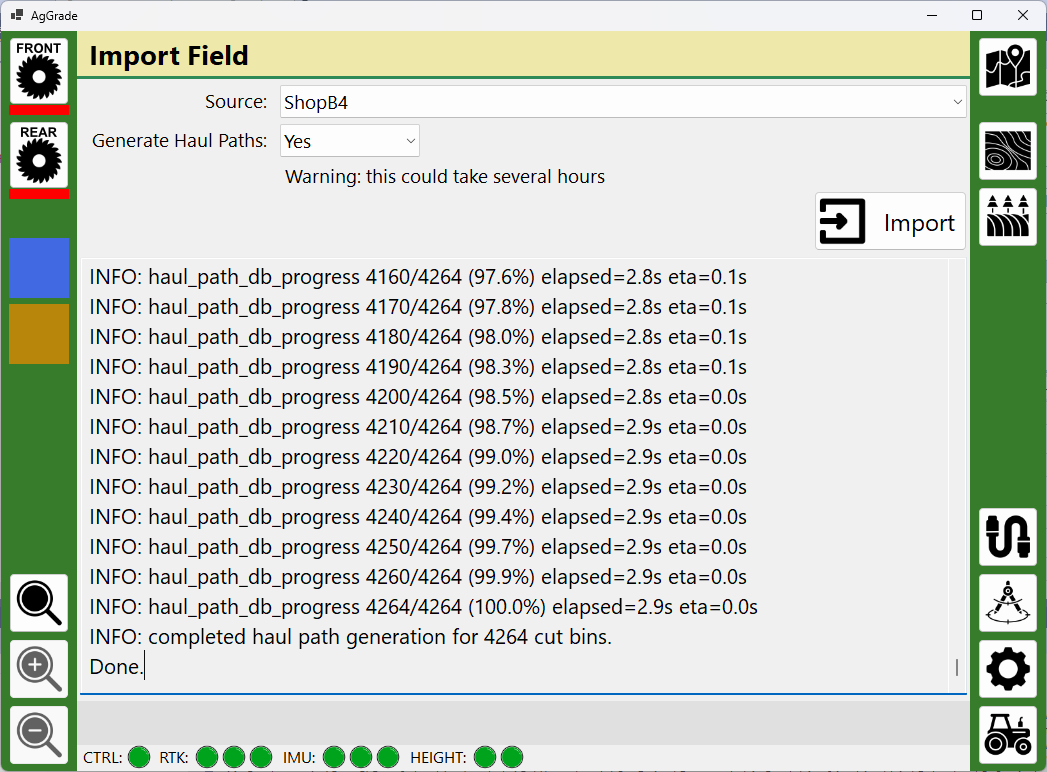
Added import of AGD files (i.e. from Optisurface). This takes the AGD file and any optional geo-referenced haul arrow images and generates the AgGrade field. Andy
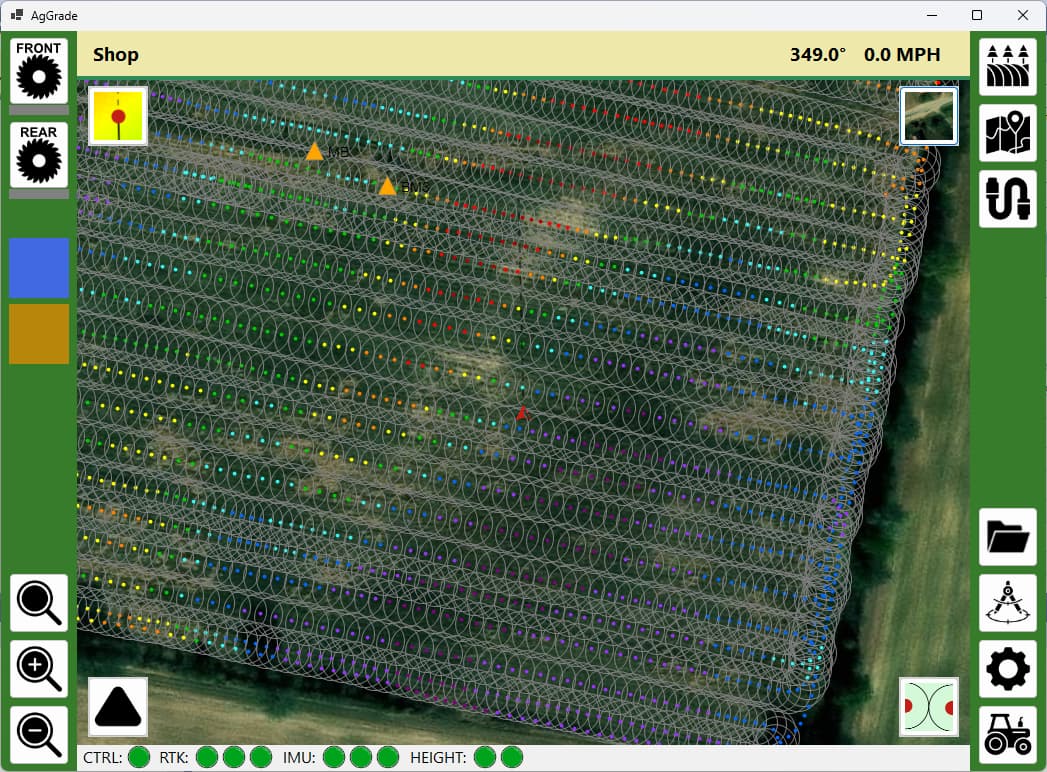
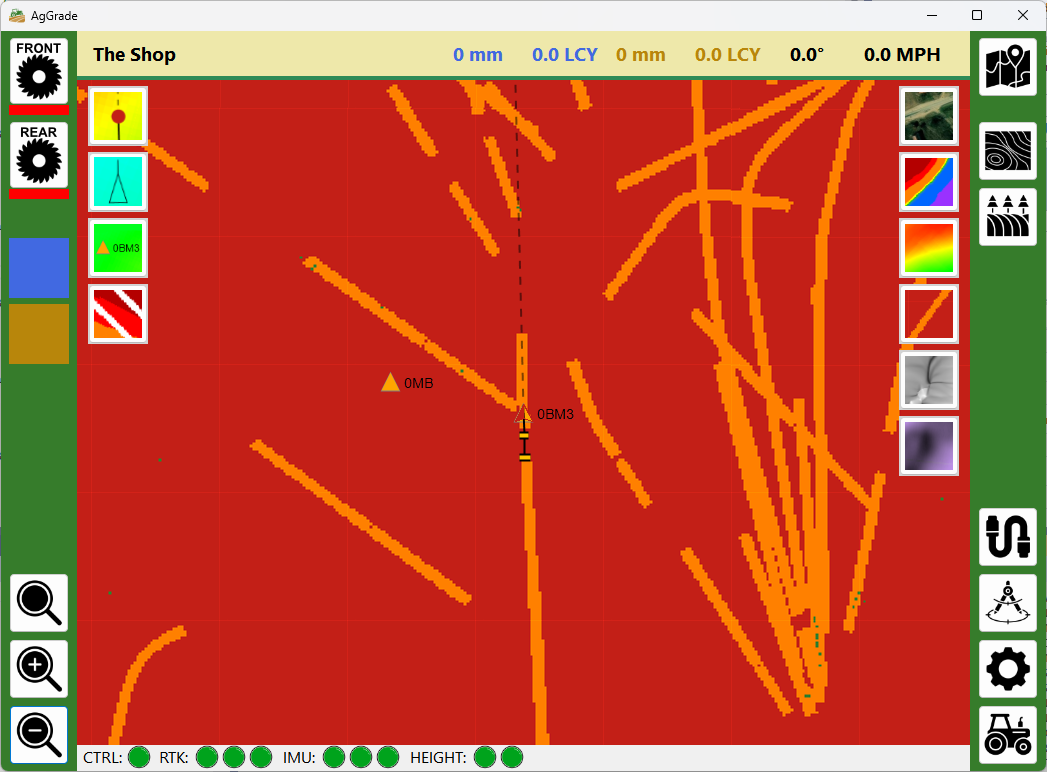
Added a new map style - “completion”. This screenshot isn’t a good example but you can see some specks of green. Red = location at original height, orange = location between original and target heights, green = location at target height.
Would the survey data from your project work?
I’m quite interested we are a farm in Australia and we are looking a a block that needs a lot of leveling work for irrigation. I suppose I should also ask if the accuracy is good enough for irrigation bays?
I was thinking about this as I have a road grader and would like to put something on it for grading drains.
My thoughts were to potentially put a IMU or angle sensor on the blade and calculate the angle from that?
Use single GPS antenna for main height and IMU or angle sensor for blade angle
What is an irrigation bay? The intention for AgGrade and it’s companion hardware project is to level a 40ac field to 0.1% grade. RTK has limitations in vertical precision, but commercial systems are using it to do this without issue.
The graders I have seen on construction sites have a GPS/GNSS receiver on arms attached to each end of the blade. I presume there is a good reason for the commercial systems to do that. The two-receiver approach fits better with the current design and intention of AgGrade for two dirt pans.
I could theoretically add support for graders but I don’t have any equipment to test with, so I am not sure how I would do it. I welcome any suggestions.
I’m pretty sure the outcome I am trying to achieve in the paddock (field)is the opposite; I assume you are trying to drain the water. Well, where I live, there is a channel network that runs for hundreds of kilometres, bringing water in, and we purposely flood the paddock in sections to add water to the soil. For that to happen, we need to level the paddocks so the water can run evenly over the ground, all done by pan or what we call in aus laser bucket.
And, for the road grader idea, we use it to do a lot of the channels and drains, mostly for upkeep.
When I get my roadgrader doing again, I would be happy to do some testing for you, but that won’t be for a few months, as we are going to modify the transmission to a hydrostatic from a harvestor.