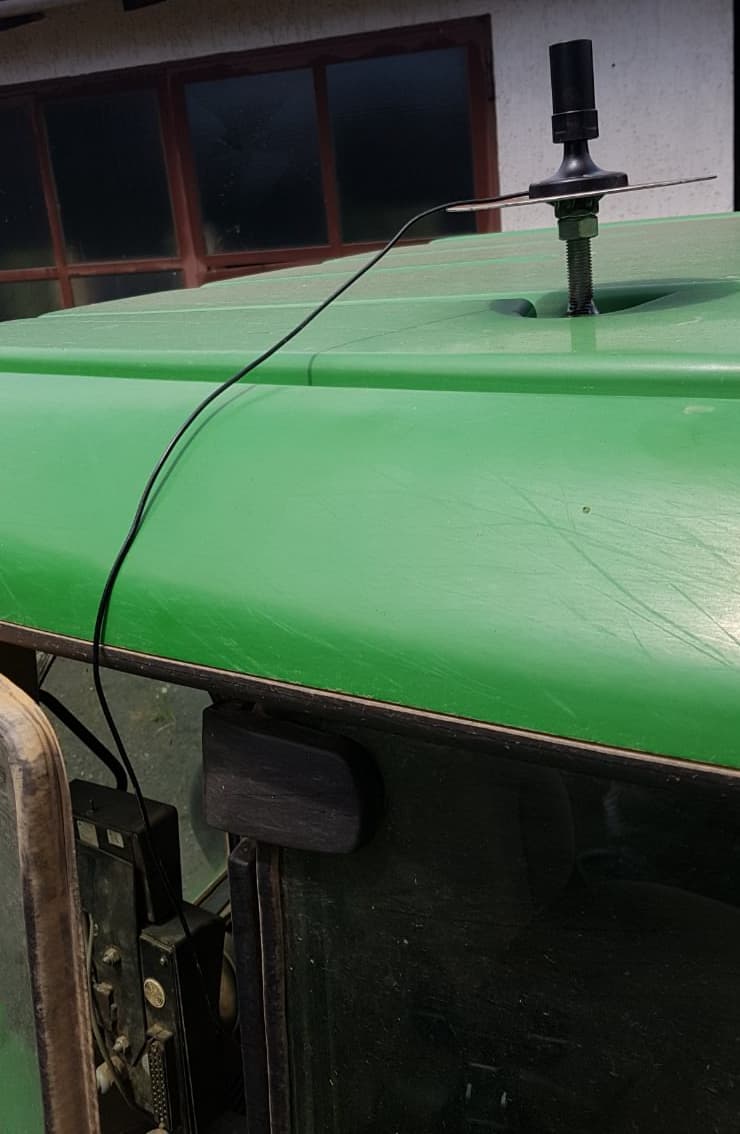
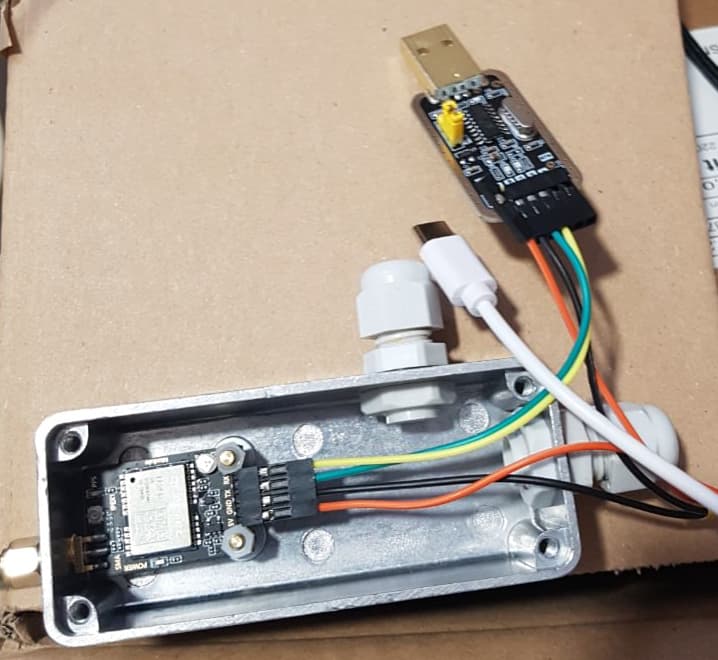
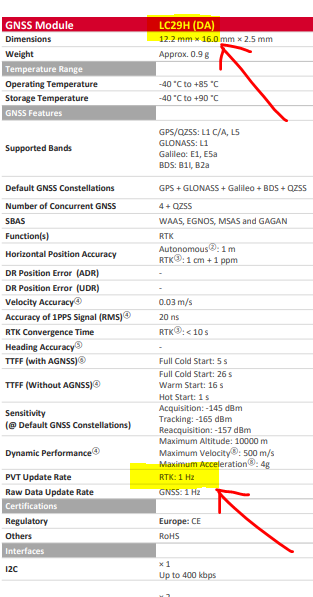
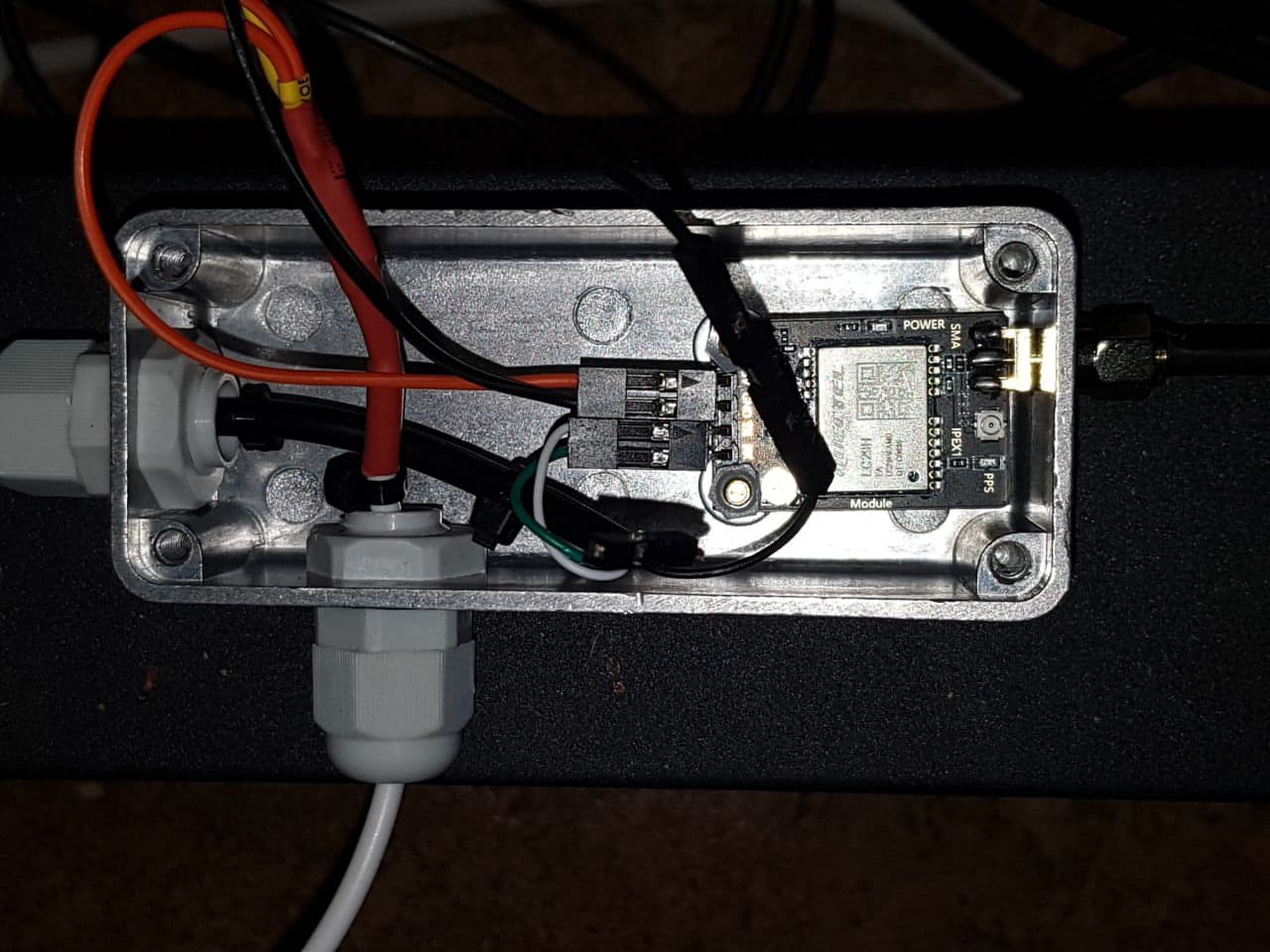
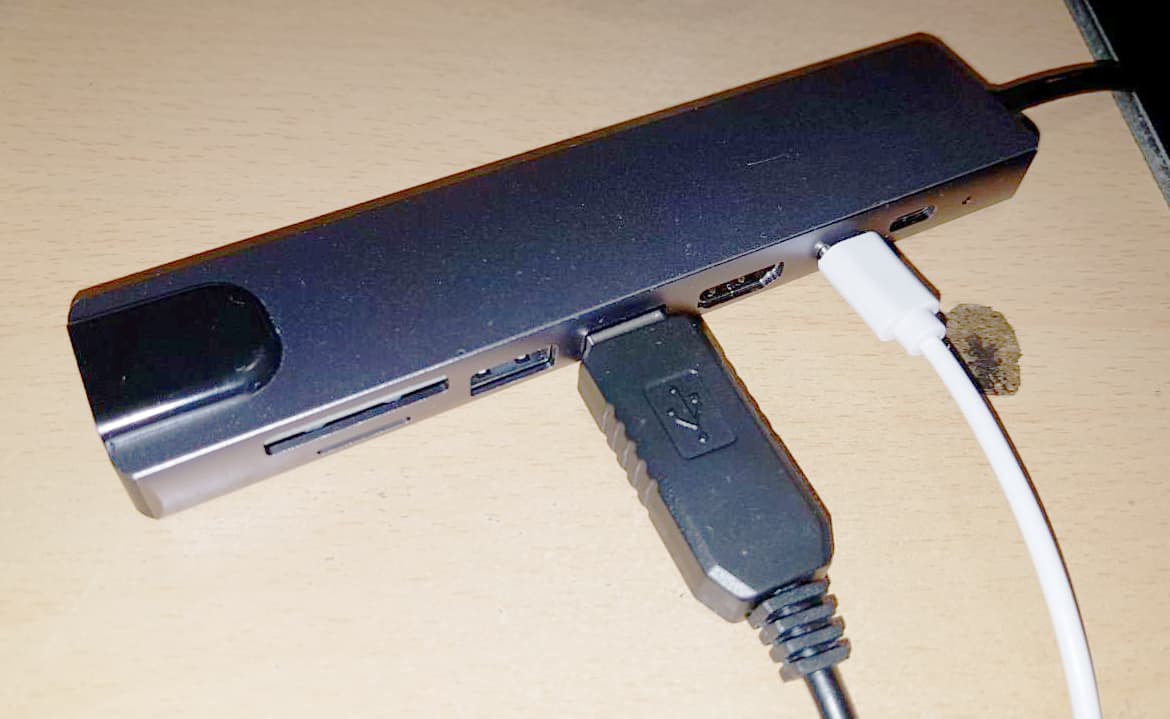
Replaced the broken antenna by an AG-30 from my shelves.
Budget limit stressed beyond hope 
AG-30 has a threaded TNC antenna connector, so I hope that I can easily change cable just in case same accdient happens again.
Works again  .
.
Take to my notes that protection of antenna and cabling on rooftop may be an important issue albeit budget killer.
Go ploughing.
5 body Kverneland EG 85 V, three-point hitch, reversible, variable width.
Be impressed.
Had not expected that much advantage by a simple lightbar system (which is of little use in plouging, anyway)
In falling priority:
- precise lifting of the plough at imaginary parallel to headland line
(independent of view conditions such as daylight, slope, drivers mood and person, headland angle…)
- assistance in ploughing headland outwards (so I hope, still to be tried) in ± parallel tracks
- assistance in straightening curved tracks (curved start borders, distorted tracks)
Would-be-nice:
Approach arbitrary angled or curved target end border from whatever current line.
I think it boils to the same algo than ploughing parallels in a headland - just much more deviation to be spread over much more tracks.
However, following lightbars is a strenous task. We may follow it for a couple of headland tracks, but nor for a field hundreds of tracks in width. For sure, this is the point where automagic tool steering might come handy. Let’s see…
Back to the low hanging fruits.
Start with straightening curves, since this is what my field started with …
- choose two outmost points (think of a line touching the courve from outisde)
- set an A-B-line on those points (while ploughing the first track)
- continue ploughing, set it at max width at the outmost points
- set the plough (close) to min width when driving in parallel to the AB line
- interpolate by experience and gut feeling
In my first trial, I was too keen in approaching the straight line as early and as long as possible.
Ended up in acute kinks when coming closer to the max width points.
Better keep a ~ constant (albeit growing) radius.
You don’t loose time by missing min-tracks - yust some more tracks until straight line.
You loose time, however, by missing max tracks.
You loose work quality by acutes kinks and by long travel at max or min width.
Imaginary headland lift mark
- from my eyperience and stepping along tractor + plough, I decided for 15 m headland width
- My plough makes 5 x (12 … 16 … 20 ") = 1,50 … 2 … 2,5 m
On headland, I go for the median = 2m, so I have maximum margin to correct in both directions.
- 8 x 2 m = 16m - so I set a 16 m Headland around the field
- tried different tool configurations, but be sure that the tool image on the screen matches the longitudinal position of the last shear of the plough
- lift the plough as soon as the tool picture passes the headland line
My preferred ploughing width is 18 " per shear = 2,25 m in total. This yields still perfect quality at best performance. Anything lower decreases performace. Below 14 " = 1,75 m quality decreases as well (forrow is not turned cleanly). Above 18 ", shear does not cut completely, leaving deep rooted weeds (thistle, sorrel, couch…) alive.
My first trials ran with a symmetric tool of 2,25 m. This works fine for obtuse headland angles. For acute angles, this produces significant error, since the tool displayed (symmetrically) is ~ 50 cm off the real plough.
Now I try tool settings with 5 sections:
50 + 50 + 125 + 50 + 50 cm
In normal operation, I set the 3 mid sections to “green”.
Thus they are logged as covered, as soon as the tool crosses the headland.
I still see the (disengaged) outer sections (in red) to determine the correct lift point at acute headland angles.
Predicted ha/hr is wrong, but I think & hope that really covered area is OK.
Covered area as logged is off by ~ 50 cm from the real place.
This is OK in the fields. Track-by-track distance ist shown fine.
However, it may cause confusion at the headlands towards the final borderline.
Btw: To lower the plough, I still rely on experience, gut feeling and the picture of how fast it enters the soil.
May be there is an even better way to work with nudging and a single section of 2,25 m.
Still have to plough the headlands - perfect chance to test and learn.
Another issue comes from the lack of roll and yaw correction (single antenna, no IMU yet).
Antenna on roof top is dancing as the tractor passes furrows (I like changing directions between subsequent operations). AOG interprets this as wiggling track, and places the tool (assumed to fixed to the tractor) onto an oversteering wiggling track. Visual image of track distance is destroyed.
We know that a plough is to be operated with loose side constraints on the link.
So I replaced tool setting by a trailed tool, 6 m long, zero pivot distance.
Actually, the effective pivot of a loose 3-point is far before the rear axle, but AOG does not like negative numbers, as it seems. Never mind.
Now I get smooth tracks, and the overlap / distance of adjacent tracks seems to resemble the real situation quite perfectly.
Only after turning, the image gets weird.
Well - it does as told: compute the plough as it were pulled by a pivot at the mid of the tractors rear axle  - even while turning -
I don’t see any option in AOG to tell it that on turning, the tool behaves as fixed, but as soon as it is lowered, it behaves as trailed (within narrow but realistic limits).
Since the first 50 m after lowering the plough are guided by intuition anyway, I refrain from issuing a feature request - yet.