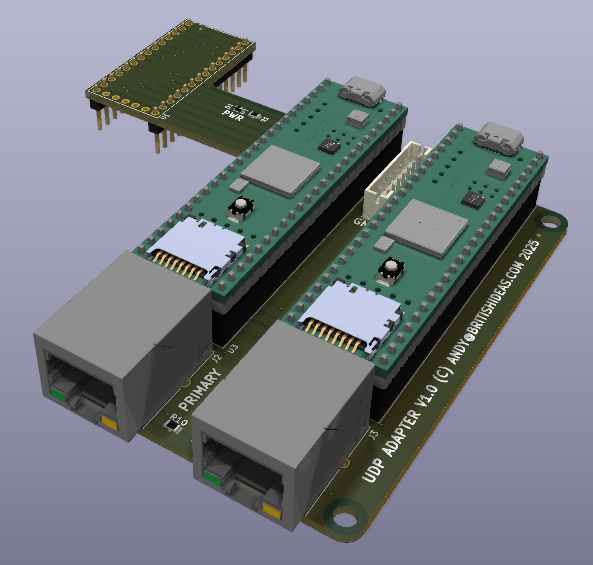
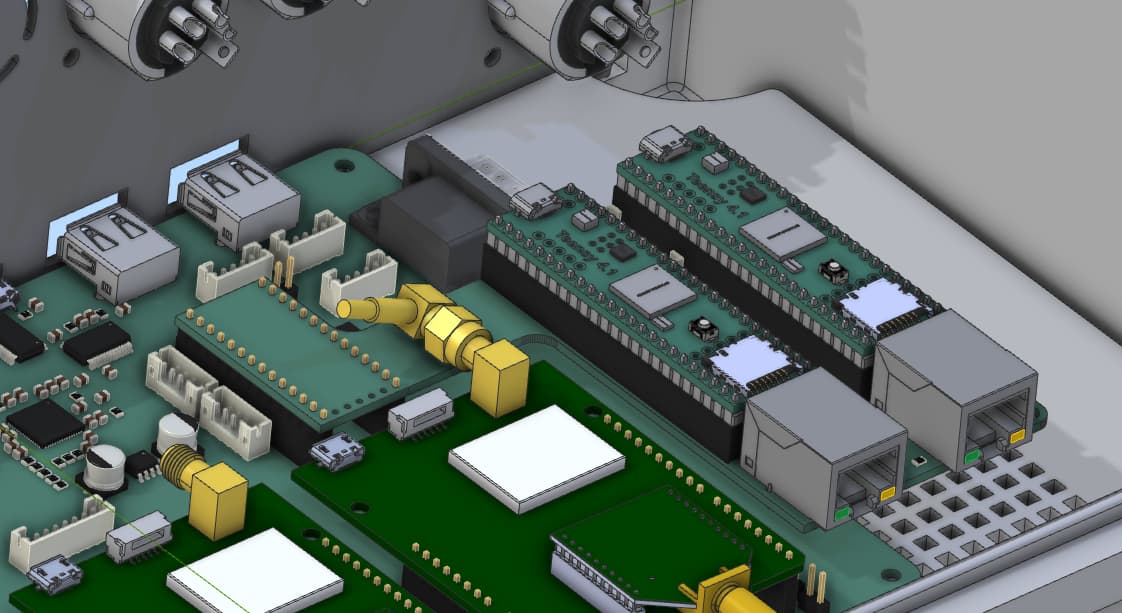
To access my controller board I have created a set of C# classes that form an API. The first is OGController that talks to the Teensy and provides a set of events when things happen. Here is an example:
OGController Controller = new OGController();
Controller.OnControllerLost += Controller_OnControllerLost;
Controller.OnEmergencyStop += Controller_OnEmergencyStop;
Controller.OnFrontSlaveOffsetChanged += Controller_OnFrontSlaveOffsetChanged;
Controller.OnRearSlaveOffsetChanged += Controller_OnRearSlaveOffsetChanged;
Controller.OnFrontBladeAutoChanged += Controller_OnFrontBladeAutoChanged;
Controller.OnRearBladeAutoChanged += Controller_OnRearBladeAutoChanged;
Controller.OnFrontBladeDirectionChanged += Controller_OnFrontBladeDirectionChanged;
Controller.OnRearBladeDirectionChanged += Controller_OnRearBladeDirectionChanged;
Controller.OnTractorIMUChanged += Controller_OnTractorIMUChanged;
Controller.OnFrontIMUChanged += Controller_OnFrontIMUChanged;
Controller.OnRearIMUChanged += Controller_OnRearIMUChanged;
Controller.OnFrontBladeHeightChanged += Controller_OnFrontBladeHeightChanged;
Controller.OnRearBladeHeightChanged += Controller_OnRearBladeHeightChanged;

Controller.Connect("COM12");
Once connected the PWM configuration can be sent:
BladeConfiguration FrontBladeConfig = new BladeConfiguration();
FrontBladeConfig.PWMGainUp          = 4;
FrontBladeConfig.PWMGainDown        = 3;
FrontBladeConfig.PWMMinUp           = 50;
FrontBladeConfig.PWMMinDown         = 50;
FrontBladeConfig.PWMMaxUp           = 180;
FrontBladeConfig.PWMMaxDown         = 180;
FrontBladeConfig.IntegralMultiplier = 20;
FrontBladeConfig.Deadband           = 3;
Controller.SetFrontBladeConfiguration(FrontBladeConfig);

BladeConfiguration RearBladeConfig = new BladeConfiguration();
RearBladeConfig.PWMGainUp          = 4;
RearBladeConfig.PWMGainDown        = 3;
RearBladeConfig.PWMMinUp           = 50;
RearBladeConfig.PWMMinDown         = 50;
RearBladeConfig.PWMMaxUp           = 180;
RearBladeConfig.PWMMaxDown         = 180;
RearBladeConfig.IntegralMultiplier = 20;
RearBladeConfig.Deadband           = 3;
Controller.SetRearBladeConfiguration(RearBladeConfig);
When the user manually lowers the blades to calibrate, the zero point can be set:
Controller.FrontBladeAtZero();
Controller.RearBladeAtZero();
Next is the GNSSReader that gets fixes from the simpleRTK2B:
GNSSReader TractorGNSS = new GNSSReader();
TractorGNSS.Connect("COM13");
TractorGNSS.OnFixReceived += TractorGNSS_OnFixReceived;
TractorGNSS.Start();
Finally there is SensorFusor that can take a GNSS fix and combine it with an IMU reading to create a fix corrected for terrain:
/// <summary>
/// Got a new position fix for the tractor, fuse with latest IMU reading
/// </summary>
/// <param name="Position">Current tractor position</param>
private void TractorGNSS_OnFixReceived
    (
    GNSSFix Position
    )
{
    SensorFusor Fusor = new SensorFusor();
    GNSSFix TractorPosition = Fusor.Fuse(Position, CurrentTractorIMU, TRACTOR_ANTENNA_HEIGHT_CM, TRACTOR_ANTENNA_LEFT_CM, TRACTOR_ANTENNA_FORWARD_CM);

    Console.WriteLine(string.Format("Tractor: {0} {1} {2}m {3}",
        TractorPosition.Latitude, TractorPosition.Longitude, TractorPosition.Altitude,
        TractorPosition.HasRTK ? "RTK" : "No RTK"));
}
The IMU readings are sent every 50ms so when the GNSS fix is received it will use the IMU reading immediately preceding the fix.
Next step is to integrate this into OpenGrade3D.
Andy